1xBet App: Android APK Download and iPhone Install
The 1xBet app is not on Google Play, which is the detail that confuses most new users. On Android you install a file from the site; on iPhone you use the App Store where it is offered, or the home-screen web app where it is not. Here is the whole process, including the parts that fail.
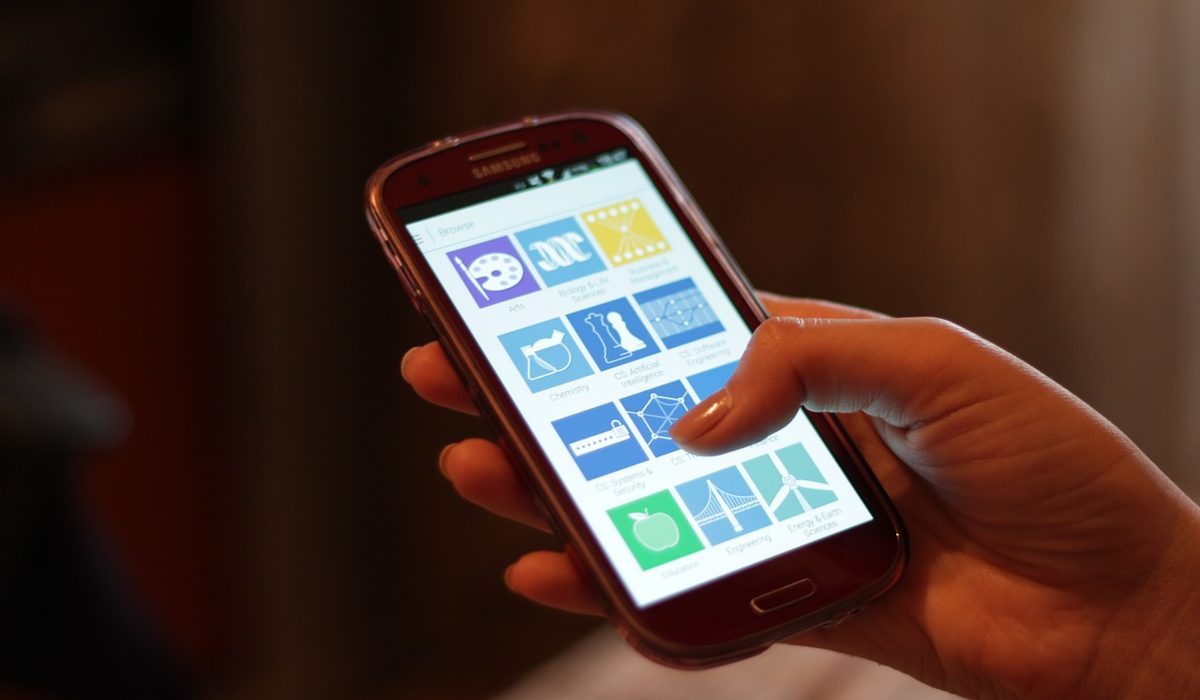
The 1xBet app at a glance
Android APK from the site, iOS from the App Store where available, and the mobile site as the fallback that always works.
- ✅ Android: installation file downloaded from the site
- ✅ iPhone: App Store or Add to Home Screen
- ⚠️ Install only from the site you logged into
Android: download and install the APK
Android users install the app from a file, because the app is not distributed through Google Play. That is normal for betting operators and it is not a sign of a fake, but it does mean the source matters: download it from the site you logged into, never from a messaging group or a "mirror" domain.
Log in first, then find the mobile apps section.
The browser will warn you that it is not from the store. That warning is expected.
Grant "install unknown apps" to your browser only, not to everything on the phone.
Turn on a PIN or fingerprint lock in the app settings before your first deposit.
iPhone: App Store or home-screen web app
On iOS the app is offered through the App Store in supported regions. Where it is not listed for your Apple ID, the mobile site does the same job: open it in Safari, tap Share, choose "Add to Home Screen", and it launches full-screen like an app without a browser bar. Notifications are limited in that mode, which is arguably a feature.
First login and the settings worth changing
Notifications
Limit them to the teams or markets you actually bet on. A live-score alert for the whole board is noise.
Data use
Turn off live streaming unless you are on Wi-Fi. Odds refresh on their own and eat less than video.
Security
PIN or biometric lock, and log out on any device you share. One account, one person.
Updates, storage and data
Because the app is installed from a file rather than a store, updates do not arrive automatically in the same way: the app usually tells you when a new version exists, and you install it over the old one. Keep that habit - an old build can show stale prices, fail at login, or lose access to cash-out features. If storage is tight, clear the cache before uninstalling, and remember that the mobile site needs no space at all.
If the app will not install
Usually a partial download. Delete the file, free some space and download again.
Check that your browser has permission to install unknown apps, then relaunch the file.
Common for sideloaded apps. Review the warning, and only continue if the file came from the official site.
If the build is too old, use the mobile site in the browser - it needs no permissions at all.
Our verdict
✅ What we like
- Native app on Android without needing Google Play
- Faster than the mobile site on a weak connection
- PIN and biometric lock available
- Home-screen web app as a clean fallback on iOS
⚠️ What to watch
- Manual updates, no store review
- Sideloading warnings scare off new users
- Fake APKs circulate in messaging groups
- Not every region gets an iOS build
Log in on the site first, download from there, and allow the installation for your browser only. Everything else - updates, login, notifications - follows from that one correct decision.
The app is a convenience, not a requirement: the mobile site is the same account and the same wallet. If sideloading makes you uneasy, use the browser and skip the whole question. Open 1xBet and start with the version you trust.
Frequently asked questions
Why is the 1xBet app not on Google Play?
Betting apps are distributed outside Google Play in many markets, so Android users install an installation file downloaded from the operator site. That is normal, but it means the source matters: only install from the site you logged into.
How do I install 1xBet on iPhone?
Use the App Store where the app is offered for your Apple ID. Where it is not listed, open the mobile site in Safari, tap Share and choose Add to Home Screen - it then runs full-screen like an app.
Is the APK safe?
An APK from the official site is the normal way to install. Files from messaging groups, "mirror" domains or short links are the most common way players lose an account, so ignore them even when they promise a bonus.
Why will the app not install on Android?
The usual causes are a partial download, no permission for your browser to install unknown apps, a Play Protect warning on a sideloaded file, or an Android version the build does not support. Free space, re-download, or use the mobile site.
More guides
Welcome bonus
What the terms mean, and how to claim the offer properly.
Promo code
Where the field is and what a code can change.
Registration
Step by step, plus verification and login.
Country guides
Payments, sports and local tips.
1xBet overview
Bonus, app, payments and live betting.